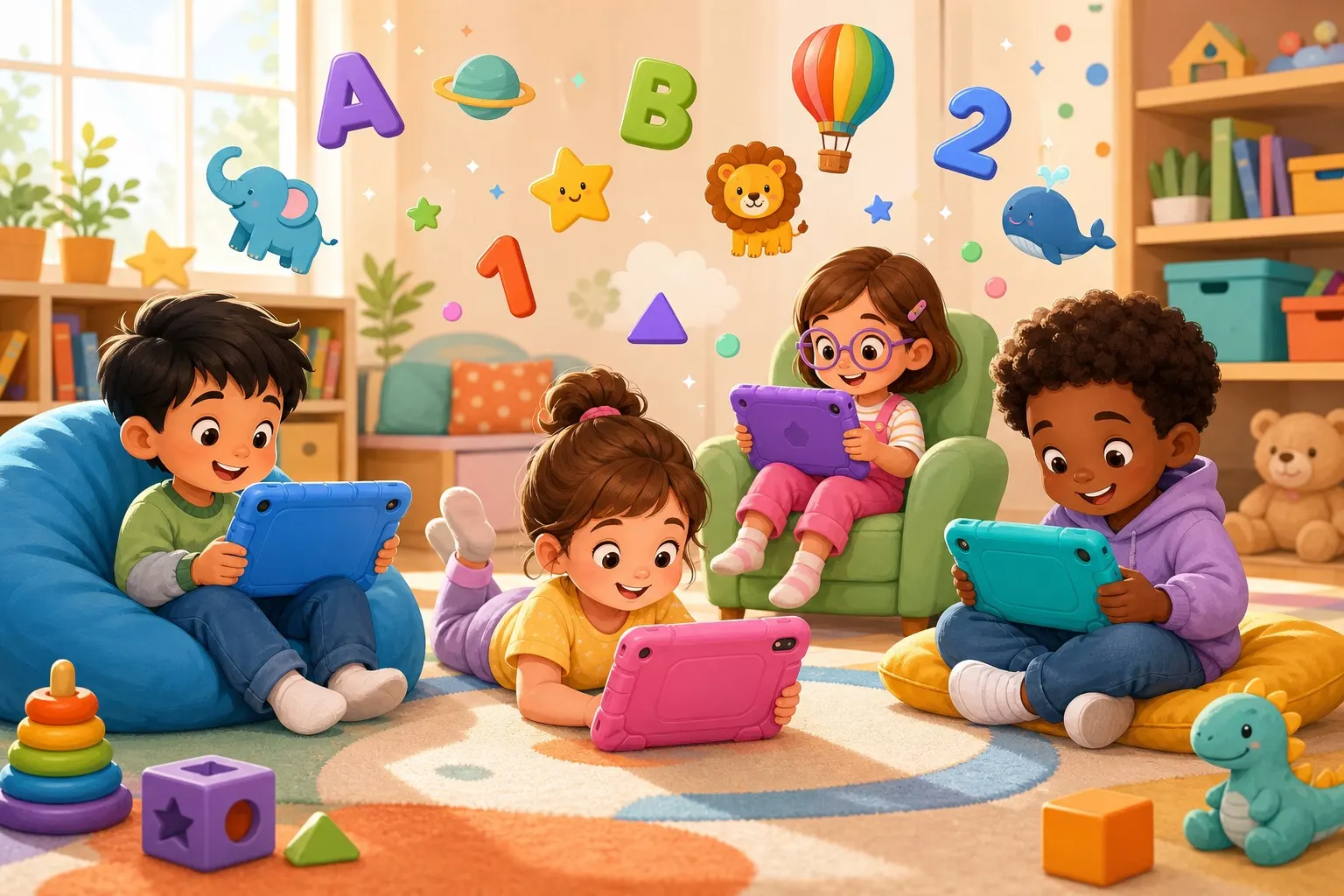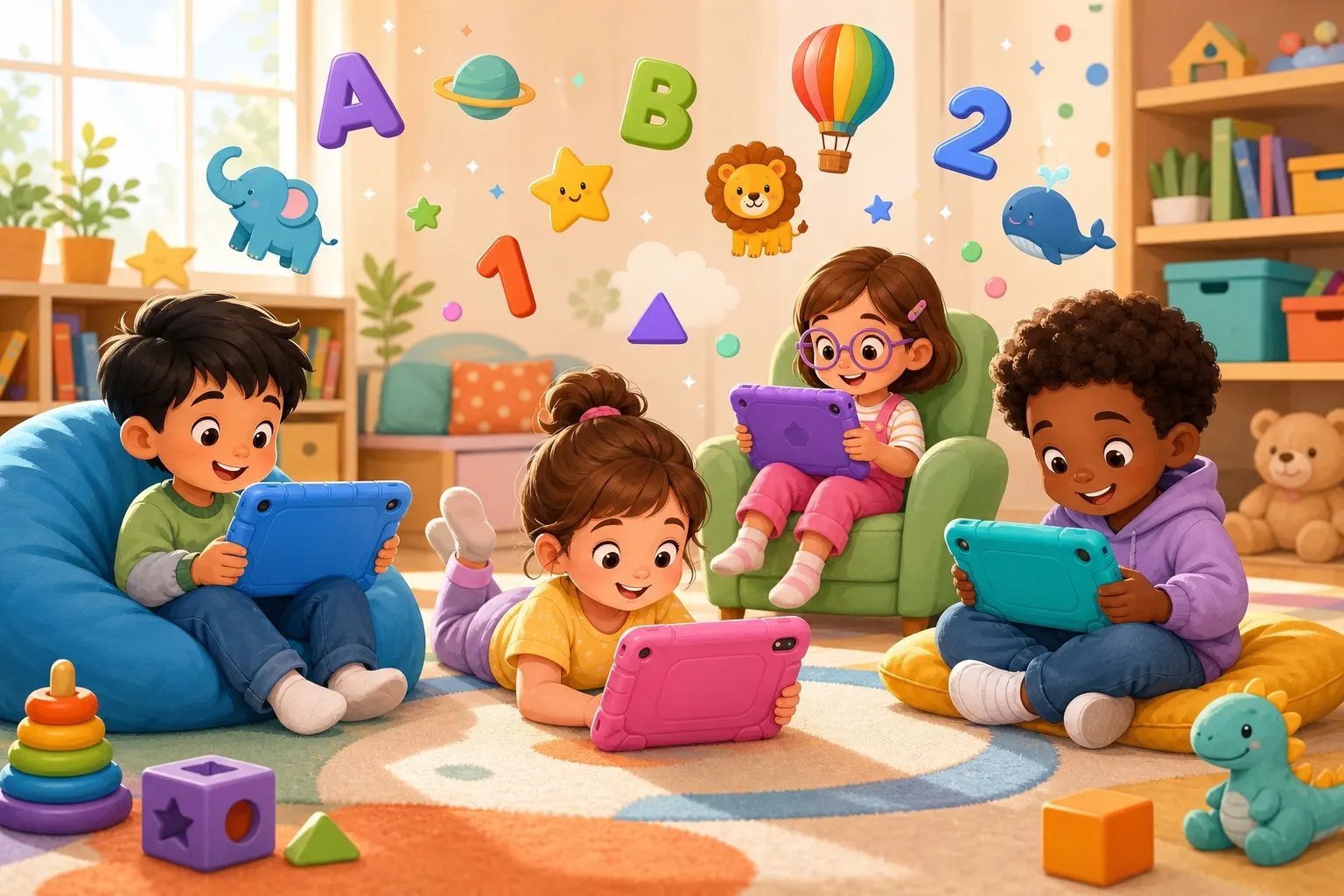
Every parent hits the moment: your kid grabs your phone and navigates to YouTube faster than you can say "put that down." If they're going to have screen time anyway, a dedicated learning tablet for kids can make that time genuinely educational — and keeps your phone out of sticky hands.
This post contains affiliate links. We may earn a small commission at no extra cost to you. Quick answer: The best learning tablets for kids under 8 combine durable hardware, solid parental controls, and access to high-quality educational apps. Top picks include the Amazon Fire HD Kids (great value, huge content library), LeapFrog Epic Academy Edition (best for ages 3–6), and the Samsung Galaxy Tab A8 (best for older kids who need a real Android tablet). Budget matters, but content quality and parental control features matter more.This guide breaks down what actually makes a kids' tablet worth buying, which ones we'd skip, and how to make screen time count no matter what device you choose.
What Makes a Kids' Tablet Actually Good
Not all kids' tablets are equal. Some are glorified toy cameras that fall apart in three months. Others are solid educational tools that grow with your child. Here's what to look for.
The Four Things That Matter Most
Durability: Kids drop things. A lot. Look for rubberized cases, shatterproof screens, or tablets sold with a dedicated kids' case. Tablets marketed specifically for children usually include a bumper case — this is worth paying for. Parental controls: Can you set daily time limits? Block specific apps or content categories? Monitor what they're watching? The best kids' tablets let you do all of this without a PhD in settings menus. Content library: A tablet is only as good as what's on it. Amazon Kids+ (formerly FreeTime Unlimited), Google Kids Space, and the built-in LeapFrog curriculum all offer curated content — books, games, videos, and apps — without you having to vet every single thing. Price vs. longevity: A $30 no-name tablet will feel like a deal until the screen stops working in two months. Spend a little more for something that lasts — your 3-year-old may still be using it at age 6.Best Learning Tablets for Ages 2–5
Toddlers and preschoolers need something practically indestructible, with big icons and simple navigation. Here are the top picks.
Amazon Fire HD 7 Kids Edition
This is the most popular kids' tablet for good reason. It comes with a thick foam case in bright colors, a 2-year worry-free guarantee (Amazon replaces it no questions asked if your kid breaks it), and a one-year subscription to Amazon Kids+.
Amazon Kids+ includes thousands of books, apps, Audible titles, and kid-friendly videos — including access to apps like Khan Academy Kids and ABCmouse, two of the best free-to-subscription learning platforms available. The parental dashboard is genuinely intuitive.
Amazon Fire HD 7 Kids Edition — typically runs $100–$120 and is regularly on sale.LeapFrog Epic Academy Edition
If your child is between 3 and 6 and you want a tablet built from the ground up for early learning, LeapFrog's Epic Academy Edition is hard to beat. It runs a custom Android build loaded with LeapFrog's curriculum, which covers reading, math, and science through play-based games.
It's less flexible than a Fire tablet — you can't just download any app — but for parents who want a curated, distraction-free learning environment, that's a feature, not a bug. The screen is bright, the interface is designed for small fingers, and the content is genuinely good.
LeapFrog Epic Academy Edition — around $80–$100, often bundled with a case and stylus.Best Learning Tablets for Ages 6–8
By age 6 or 7, kids start outgrowing heavily locked-down tablets. They want to do more — watch YouTube Kids, play Roblox, use educational apps for school. A tablet with real Android capability becomes a better fit.
Amazon Fire HD 8 Kids Pro
The Kids Pro line is Amazon's answer to older kids who feel like the standard Fire tablet is "babyish." It has a slightly more grown-up design (no chunky foam case), but still includes a 2-year guarantee and Amazon Kids+.
The parental controls are the same as the regular Kids edition, which is excellent. You can create age-specific profiles, set content filters for 6–8 or 9–12, and see detailed weekly screen time reports. The battery life is impressive — 13 hours — which means it'll survive a long car trip without complaints.
Amazon Fire HD 8 Kids Pro — typically $140–$160.Samsung Galaxy Tab A8 with Kids Mode
For parents who want their child on a "real" tablet — one that can grow into a full-function device — the Samsung Galaxy Tab A8 is a solid choice. It runs full Android, which means access to Google Play, Google Kids Space, and any educational app on the market.
Samsung's Kids Mode turns it into a locked, kid-friendly environment at the tap of a button, and it's surprisingly robust. When they're old enough, you switch off Kids Mode and they have a capable tablet with no artificial limitations.
Samsung Galaxy Tab A8 — around $180–$220. Add a rugged case, because it doesn't come with one.Making Screen Time Count (Beyond the Tablet)
Buying the right tablet is step one. The bigger question is how you use it. Research consistently shows that co-viewing and co-playing — being present with your child during screen time — dramatically increases what they learn from it.
Before handing over the tablet, set up accounts on Epic! (a digital library of 40,000 kids' books) and Outschool for live, small-group classes taught by real teachers. Both of these transform a tablet from a passive entertainment device into an actual learning tool.
And if you're thinking about how screen time fits into your broader parenting approach, our guide to setting healthy screen time limits for kids ages 5–7 walks through the research on daily limits and how to make the rules stick without constant fights.
According to Common Sense Media, the quality of content matters far more than the total minutes — 30 minutes of an interactive, educational app is genuinely different from 30 minutes of passive video watching.
FAQ
What is the best learning tablet for a 3-year-old?
The Amazon Fire HD 7 Kids Edition or the LeapFrog Epic Academy Edition are both excellent for age 3. The LeapFrog is more educationally focused; the Fire tablet offers more variety and content. Both are durable, affordable, and come with strong parental controls.
Are kids' tablets worth the money compared to a regular tablet?
For ages 2–6, yes — the durability guarantees and curated content libraries are genuinely valuable. For ages 7 and up, a mid-range Android tablet with Kids Mode enabled can be a better long-term investment since it grows with the child.
How much screen time is okay for a 5-year-old on a learning tablet?
The American Academy of Pediatrics recommends no more than 1 hour of screen time per day for ages 2–5, and consistent limits for ages 6 and up. For learning tablets specifically, interactive educational content is treated differently than passive video — but limits still matter. Set daily time caps through parental controls so you don't have to police it manually.
---
Have a tablet recommendation we missed? Drop it in the comments — we're always looking for parent-tested picks.