"Turn off the iPad and go play outside!" You've probably said this to your kid (or your parents said it to you). Screen time has become the parenting boogeyman — the thing we're all supposed to avoid, minimize, and feel guilty about.
But here's what rarely gets discussed: Not all screen time is the same.
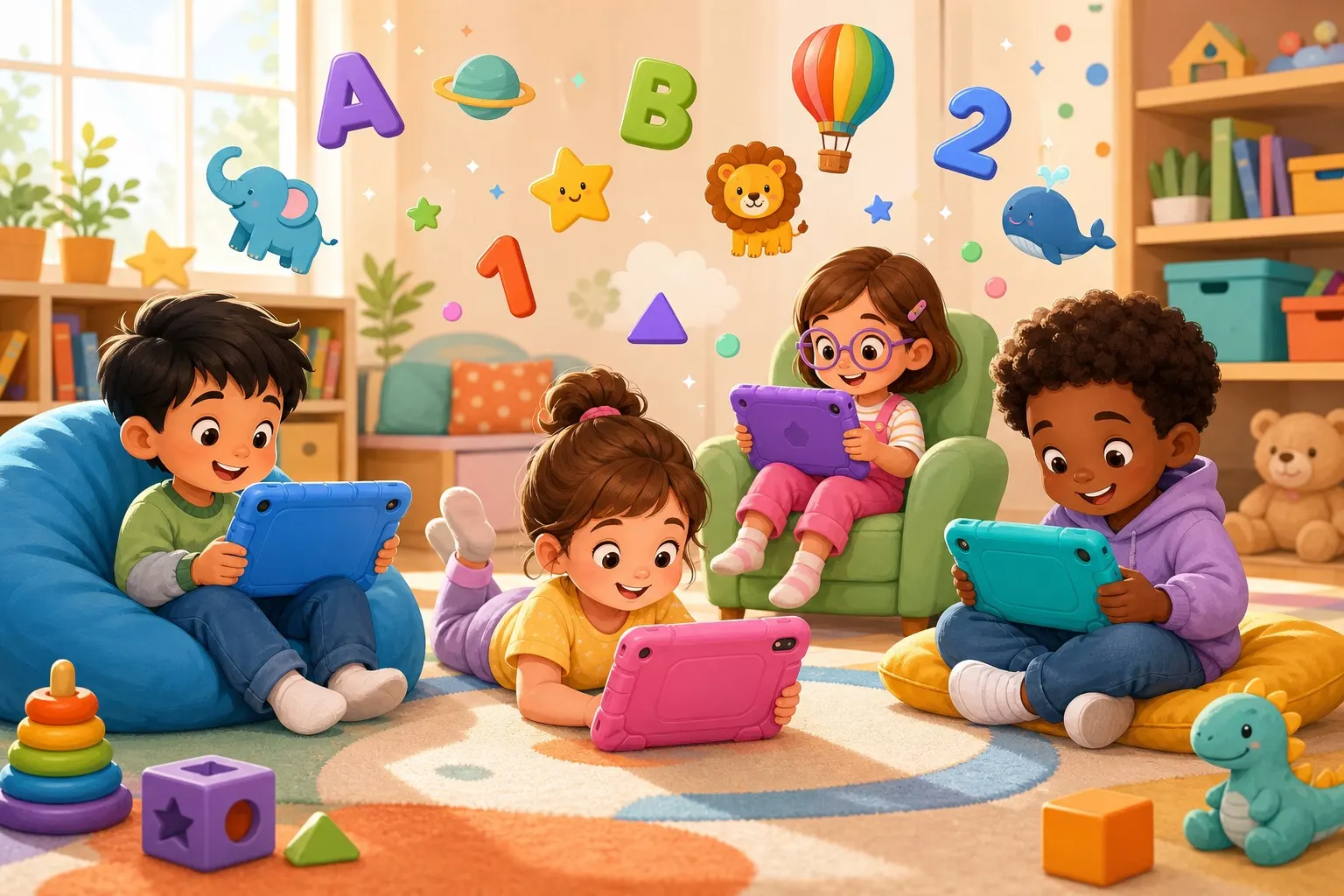
Thirty minutes of passively watching YouTube videos while eating goldfish crackers is different from thirty minutes of actively learning on a well-designed educational app. The first is consumption. The second is engagement.
This isn't permission to hand your kid a tablet all day. But it is permission to stop feeling guilty about educational screen time that's actually educational.
The Research Says It's Complicated
The American Academy of Pediatrics recommends limiting screen time, sure. But they also acknowledge that quality matters more than quantity. An hour on a thoughtfully designed app that teaches vocabulary, problem-solving, and fine motor skills isn't wasted time.
Studies on educational media show that kids learn:
- Vocabulary from well-designed educational content
- Problem-solving from interactive games with clear learning objectives
- Fine motor skills from apps that require precise tapping, dragging, and manipulating objects
- Confidence from completing tasks, solving puzzles, and progressing through levels
The key word? Well-designed. Not all apps are created equal.
How to Spot a Legit Educational App
1. There's a Clear Learning Objective
The app should teach something specific. Alphabet letters, animal names, counting, spelling, phonics — whatever it is, you should know what your kid is learning by the end of the session.
Red flag: Apps designed primarily for engagement, not learning.2. It Requires Active Participation
Your kid isn't just watching. They're tapping, dragging, spelling, answering questions, solving puzzles. Active engagement beats passive viewing every time.
Red flag: Apps that let your kid sit passively and just tap randomly to proceed.3. There's Positive Reinforcement, Not Pressure
Good educational apps celebrate correct answers and gently guide kids toward learning from mistakes. There's no frustration, no "Game Over," no harsh feedback.
Red flag: Apps that feel like tests instead of games.4. It Respects Your Child's Pace
Some kids need more time to solve a puzzle. A good app doesn't rush them. It gives hints if needed, offers multiple chances to try, and doesn't penalize kids for learning at their own speed.
Red flag: Time limits, aggressive difficulty ramping, or pressure to "keep up."5. It's Age-Appropriate
An app for 3-5 year-olds should have shorter activities, simpler visuals, and bigger tap targets. An app for 5-7 year-olds can have more complex problem-solving. When apps match developmental stages, learning sticks.
Red flag: Apps that feel either too babyish or way too advanced.6. It's Not Designed to Addict
Legitimate educational apps don't use psychological tricks to keep kids coming back. There's no aggressive reward system, no notifications begging them to play more, no "streak" mechanics designed to create dependency.
Red flag: Apps with heavy gamification designed for engagement, not learning.The Sweet Spot: Blended Learning
Here's where the real magic happens: educational screen time + real-world practice = rapid learning.
Your kid uses an app to learn animal names. Then:
- You read a picture book about animals together
- You visit the zoo and point out animals she recognized in the app
- She draws her favorite animal and writes its name
That combination? That's learning that sticks. The app was the catalyst, but the real learning happened in the full-spectrum engagement.
How Much Is Too Much?
Forget the arbitrary number (the "30 minutes a day" rule). Instead, ask:
"Is this the only way my kid is learning this skill?"If your kid is learning animal names only through an app, that's limiting. But if it's:
- 20 minutes of app time
- Plus read-alouds
- Plus real-world exploration
- Plus conversation
...then that app time is well-spent. It's one tool in a richer learning ecosystem.
The Guilt-Free Framework
Instead of "screen time bad," think "intentional use."
Good reasons to use educational apps:- Your kid is interested in a topic and the app deepens that interest
- You're building specific skills (spelling, phonics, vocabulary)
- You need 20 minutes to cook dinner and this beats YouTube Kids
- It's a rainy day and this is more engaging than passive TV
- You're bored and need distraction
- It's the only way your kid engages with a topic
- It's replacing outdoor time, physical play, or social interaction
- You don't actually know what they're learning
The DoodleStroodle Philosophy
Apps like DoodleStroodle are built on this principle: Learning should feel like play. Kids spell animal names, solve puzzles, hear correct pronunciations, see beautiful illustrations. It's active, engaging, age-appropriate, and designed without the psychological manipulation tactics.
But here's what DoodleStroodle isn't designed to do: Replace your voice reading a book. Replace the zoo visit. Replace you and your kid sitting together talking about how cool dolphins are.
The app is a tool. You're the teacher.
The Bottom Line
Your guilt about screen time? You can release it. Not because screen time is harmless, but because thoughtfully chosen educational apps are a legitimate learning tool, especially when combined with the rich, real-world learning happening around them.
The kids who thrive aren't the ones with the least screen time. They're the ones whose screen time is purposeful, whose digital learning connects to real-world exploration, and whose parents are involved in their learning regardless of the medium.
One last thought: The best educational app in the world can't replace you. So use the app, then join your kid. Ask what they learned. Explore the topic together. Make it bigger than the screen.
That's when educational screen time becomes something genuinely valuable.
---
Ready to explore educational apps with your kid? Download DoodleStroodle on the App Store and see how learning can feel like play. Then close the app and visit the actual zoo — we're sure the real animals are even more impressive! 🐾