Screen-time limits for 5-7 year olds work best when they are clear, boring, and consistent. Kids this age do not need a complicated contract. They need predictable routines, good choices, and adults who do not renegotiate every night.
This post contains affiliate links. We may earn a small commission at no extra cost to you. Quick answer: For most 5-7 year olds, start with 30-60 minutes of recreational screen time on school days, more flexibility on weekends, and a firm rule that screens stop before meals, bedtime, and emotional meltdowns. The goal is not zero screens. The goal is protecting sleep, movement, play, reading, and family connection.The tricky part is that not all screen time is equal. A calm drawing app, a read-aloud story, and a noisy autoplay video spiral do very different things to a child. So instead of asking only "how many minutes," parents should ask three questions: what is my child watching or playing, when is it happening, and what is it replacing?
Start With Anchors, Not Arguments
Screen rules are easier when they attach to existing parts of the day.
Try this simple structure:
- No screens before school unless the morning routine is completely done.
- Screens after homework, outdoor time, or quiet reading.
- Screens off during meals.
- Screens off at least one hour before bed.
- Parent-approved apps and shows only.
This works because the rule is not personal. The routine decides. You are not saying, "I feel like taking the tablet away." You are saying, "Screens happen after outside time."
For kids who push back hard, use a visual timer. A basic kids visual timer can make the ending feel less sudden. Some families also use a charging station outside the bedroom so tablets and handhelds have a physical bedtime too.
Separate Good Screens From Junk Screens
Quality matters. A child using a drawing app for 25 minutes is not having the same experience as a child watching 25 minutes of rapid-fire clips.
Look for screen activities that are:
- Slow enough for a child to think.
- Interactive without being frantic.
- Ad-free or tightly controlled.
- Connected to reading, creativity, problem solving, or curiosity.
- Easy to stop without a meltdown.
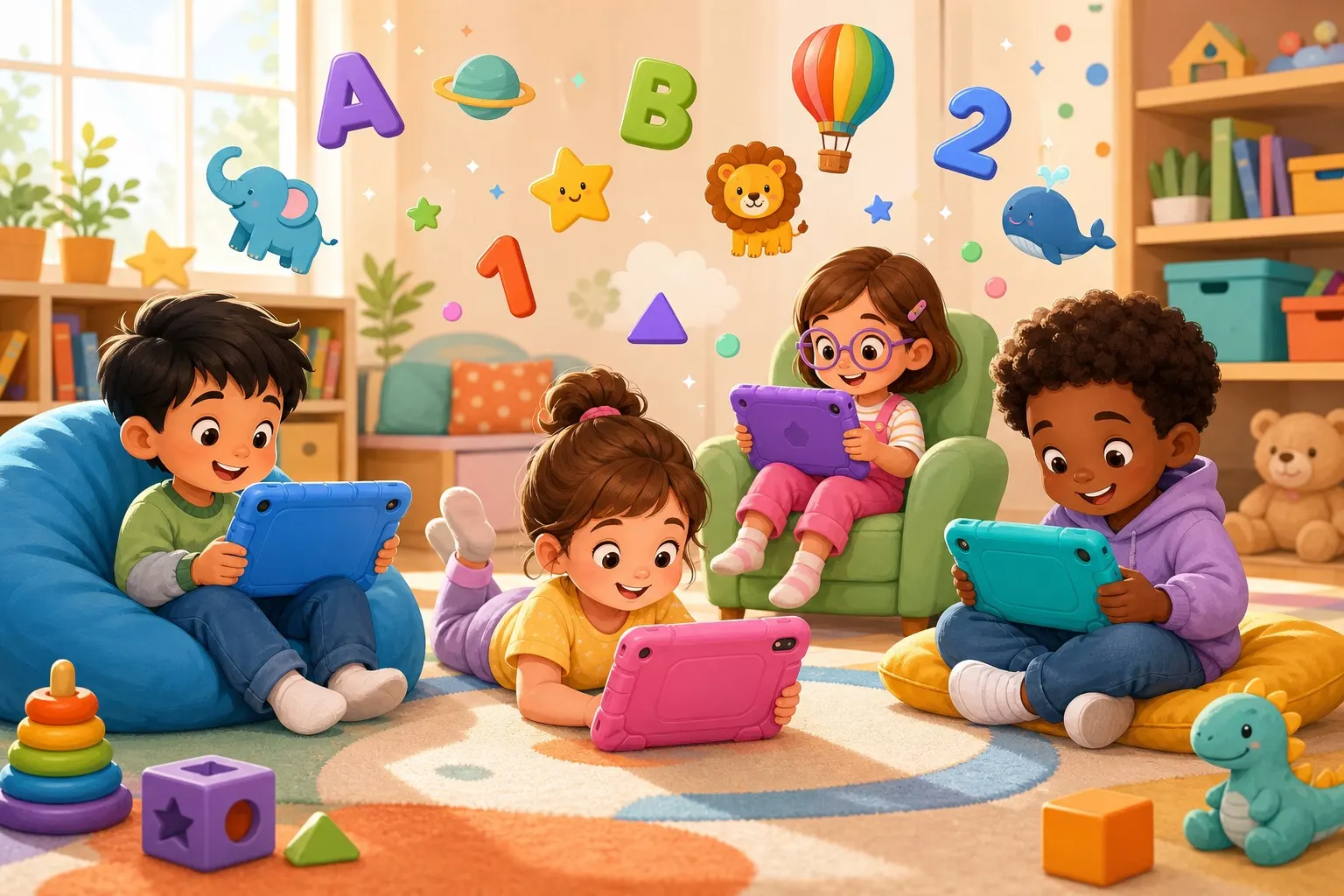
Educational apps can be useful when they are calm and focused. For example, an app that practices listening, spelling, or pattern recognition can support real skills. A child can also use a tablet to make art, listen to stories, or explore animal facts after reading a related book.
If you use apps often, consider a sturdy kid-safe tablet case and headphones with volume limits. The physical setup matters more than parents expect.
Use the "Replacement Test"
The best screen-time rule is simple: screens should not crowd out the basics.
Before increasing screen time, check whether your child still gets:
- Outdoor movement.
- Free pretend play.
- Reading or read-aloud time.
- Sleep.
- Meals without screens.
- Face-to-face conversation.
- Hands-on play with blocks, art supplies, puzzles, or toys.
If those are healthy, a moderate amount of screen time is usually not the problem. If those are disappearing, the tablet is probably filling too much space.
This is why a 45-minute movie night after a full day of play can be fine, while 20 minutes of video clips before school can wreck the whole morning. Context matters.
Make Ending Easier
Ending screen time is often harder than limiting it. Kids this age are still building transition skills.
Use a predictable shutdown routine:
- Give a five-minute warning.
- Ask them to choose a stopping point.
- Use a timer.
- Say what happens next.
- Follow through calmly.
Try: "Five more minutes. When the timer rings, the tablet goes on the charger and we start bath time."
Avoid surprise shutdowns unless something unsafe is happening. Sudden endings create bigger battles because the child feels interrupted, not guided.
For high-conflict evenings, write the order on paper:
Dinner -> bath -> pajamas -> one story -> sleep.
Screens do not need to be part of that chain. Bedtime is easier when the last hour is predictable and low-stimulation.
Build Screen-Free Fun That Is Ready to Go
It is hard for a child to stop screens if the alternative is "go find something to do." Make the next activity obvious.
Keep a small basket with:
- Paper and markers.
- Stickers.
- Simple puzzles.
- Building blocks.
- Library books.
- A few animal fact cards.
- One quiet toy that only comes out during screen-free time.
A box of washable markers and construction paper can buy more peace than another app subscription. Kids often need help starting play, but once they are started, they usually keep going.
For more ideas, pair this with hands-on science experiments or creative storytelling prompts.
FAQ
Should 5-7 year olds have screen time every day?
They can, but they do not need to. Daily screen time is easiest when it is short, predictable, and not used as the main reward for every task. Some families do better with screen-free school nights and more flexible weekends.
Is educational screen time different?
Yes, but it still counts. Educational apps and videos can support learning, but they should not replace reading, sleep, conversation, outdoor play, or hands-on exploration. Quality helps, but balance still matters.
What if my child melts down when screen time ends?
Shorten the session, add a visual timer, and make the ending routine the same every time. Do not argue during the meltdown. Calm consistency teaches the boundary faster than long explanations.